Rush-hour cafés
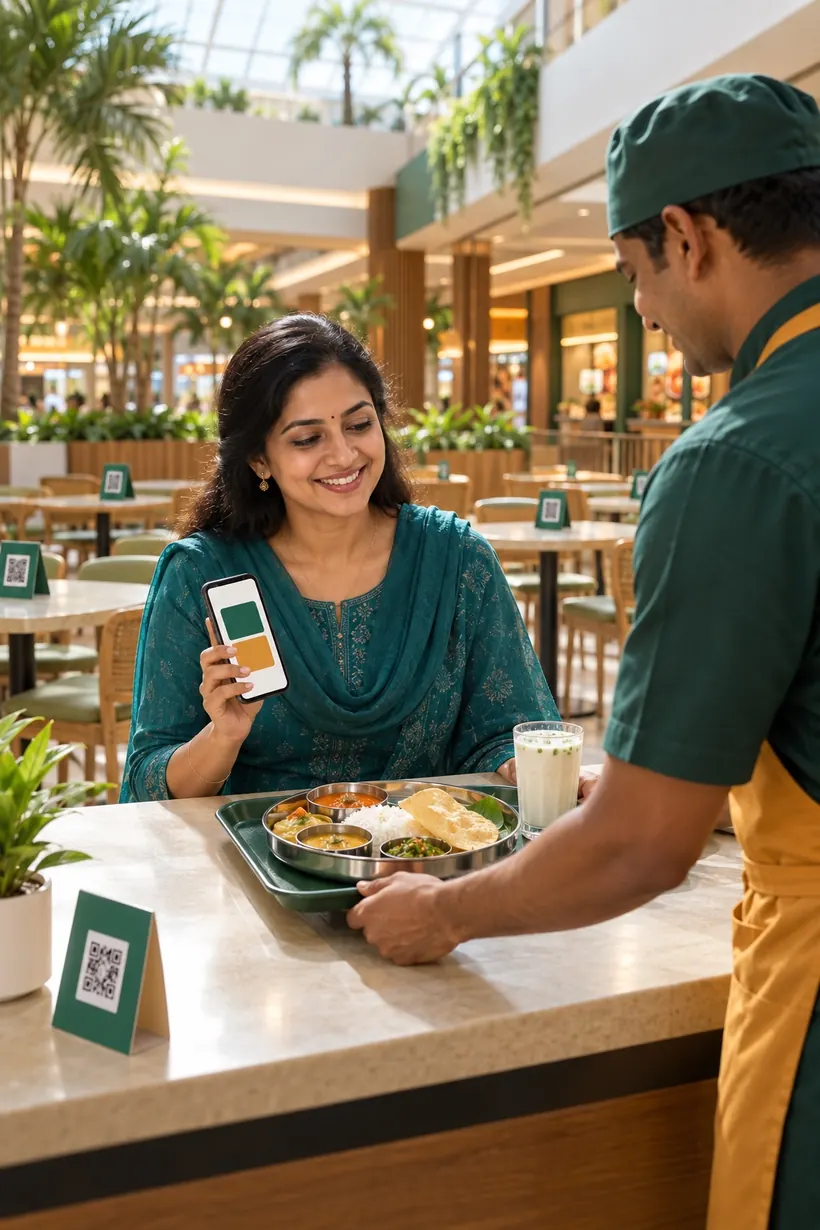
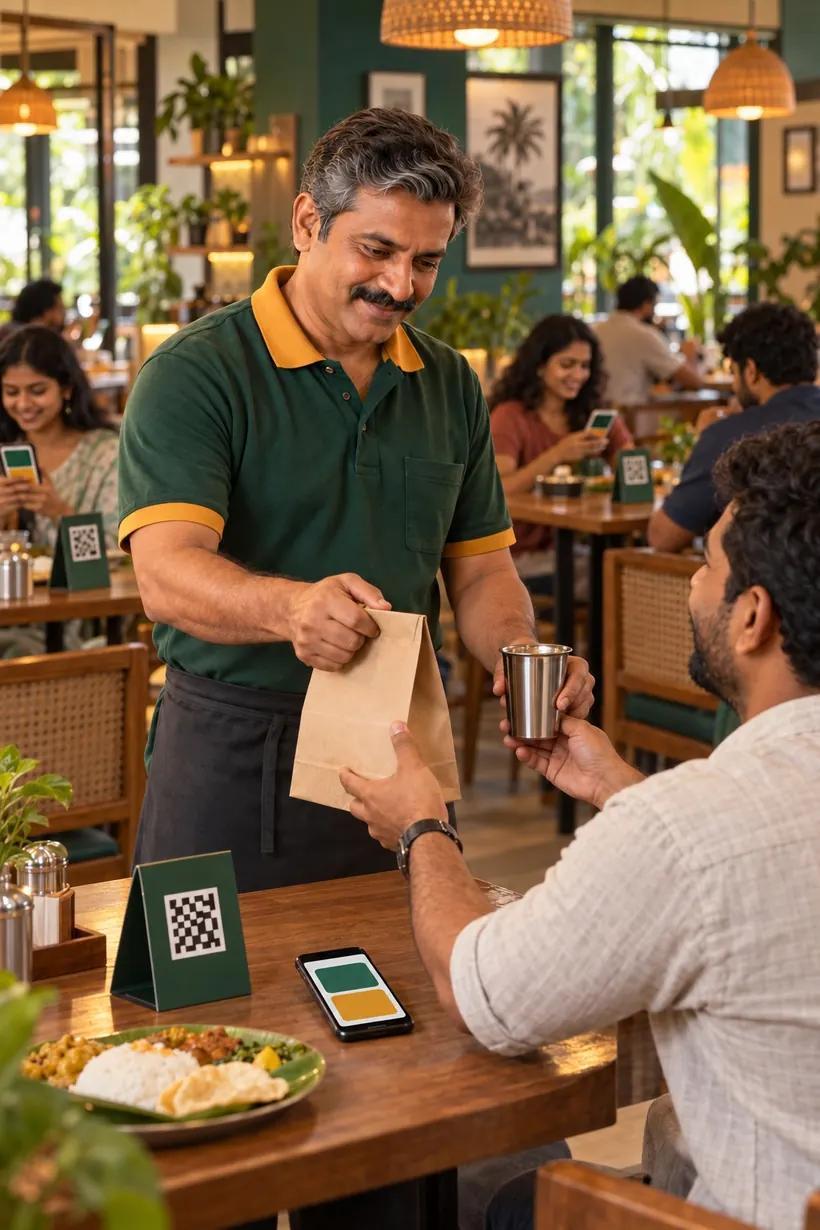
Guests order from their seats, so the lunch queue at the billing counter goes away.
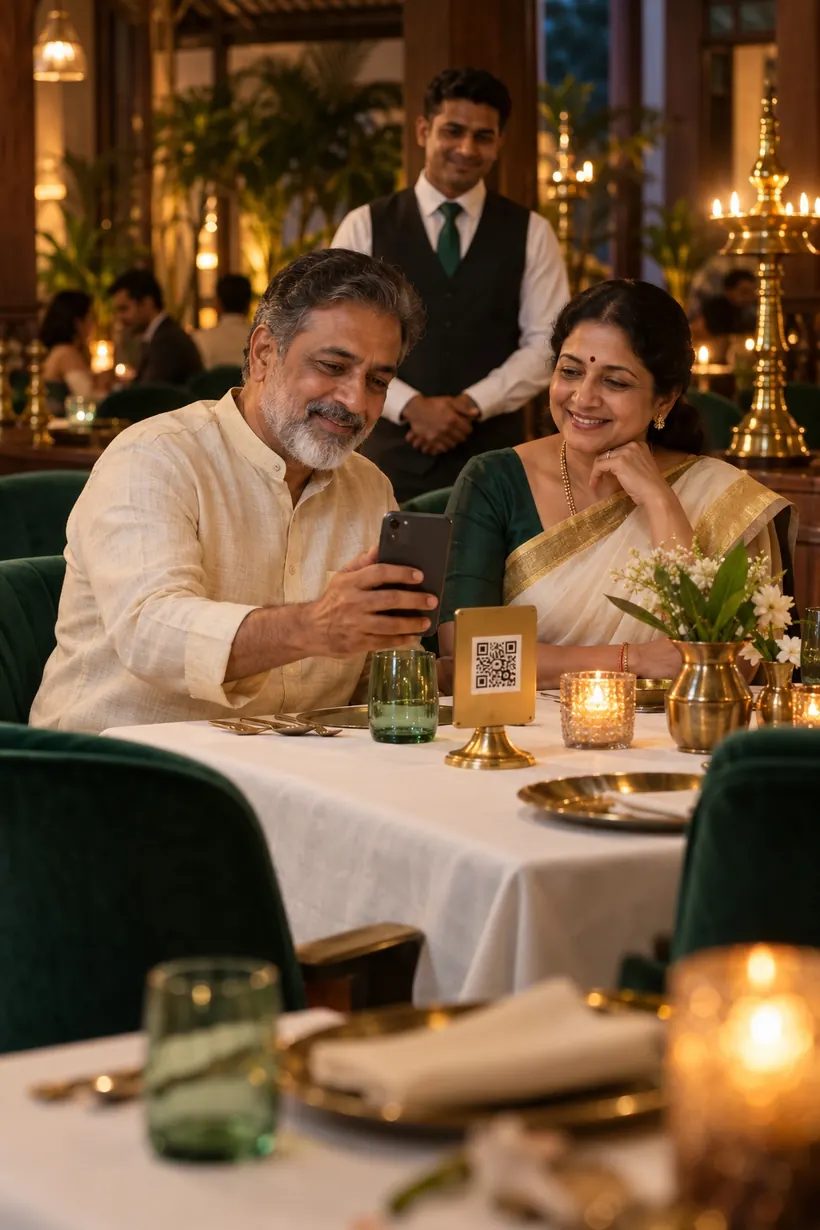
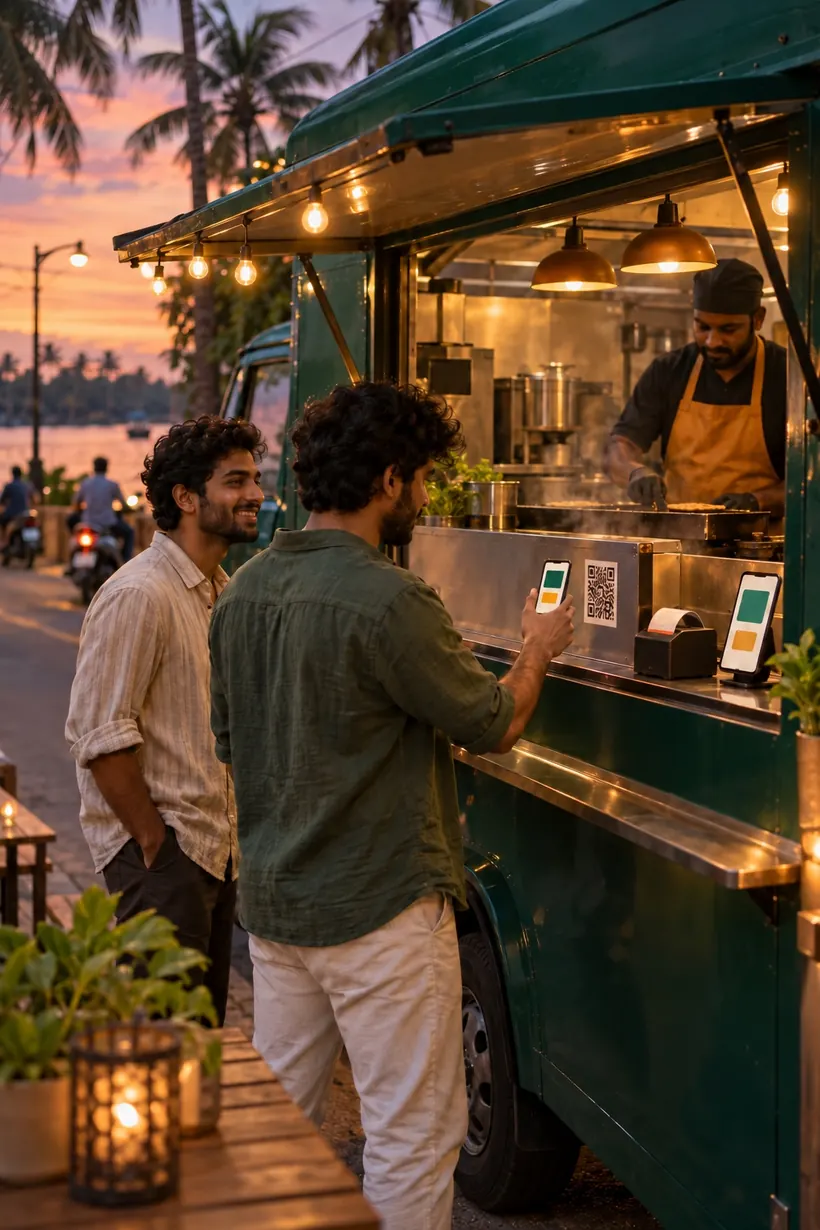
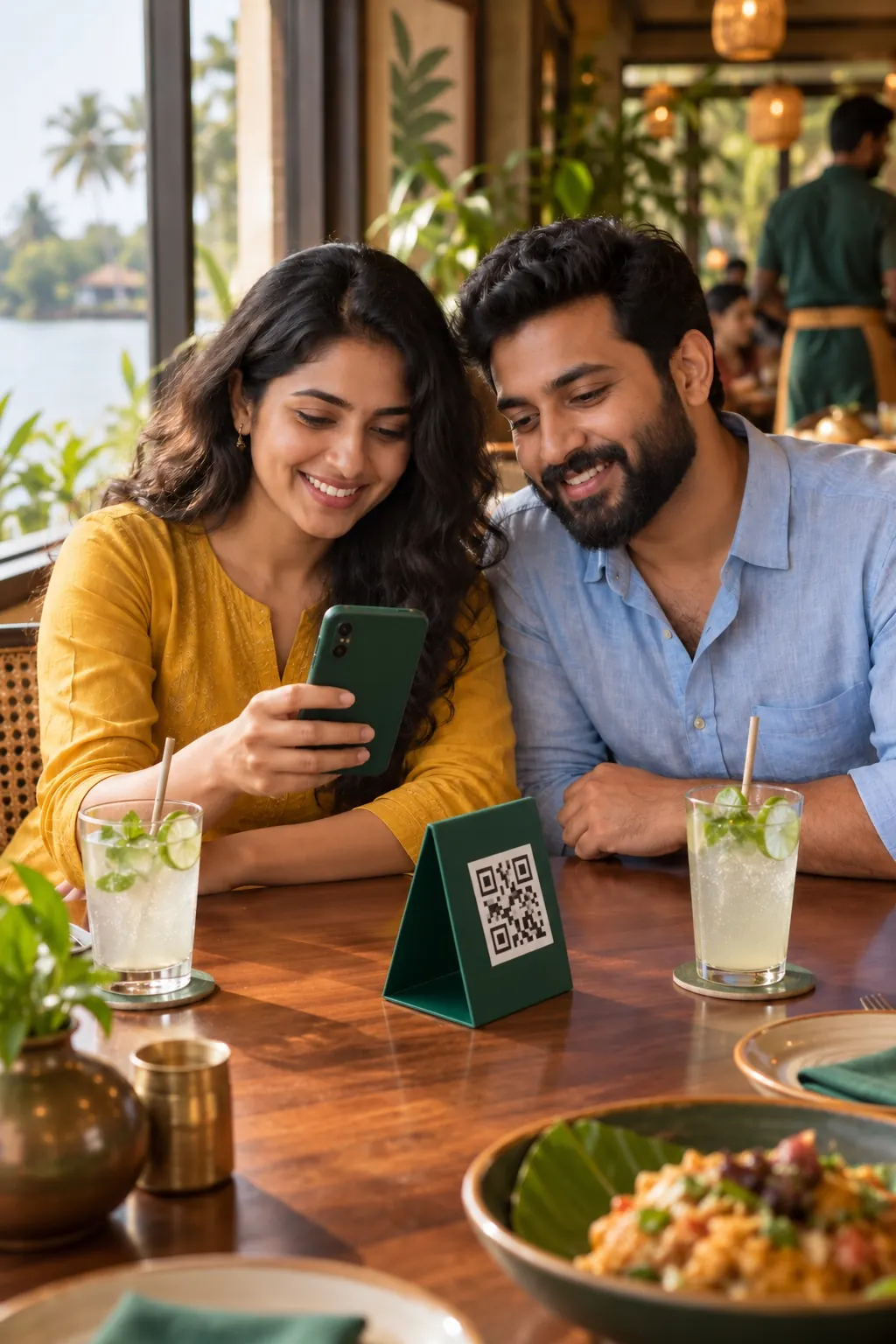
Guests scan the QR on their table, order and pay from their phone, and the ticket prints in your kitchen. No commission for you, no app for your guests.
MAIN KITCHEN
BEVERAGE BAR
Malabar style, slow-cooked with jeerakasala rice, fried onions and raita.
 −1+
−1+Sweet or salted, with fresh mint.
 −1+
−1+Crisp, golden and roasted in ghee. With sambar and chutneys.
 ADD
ADDCommission apps take a share of every bill. Food @ Fingers takes nothing from yours.
Online payments are processed by Razorpay.
Nothing changes in your kitchen except the queue at the counter, which disappears.
Guest
The phone camera opens your menu in the browser. There is nothing to install and no account to create.
Guest
Your dishes, photos and prices, in English, മലയാളം or हिन्दी. Prices are exactly the ones you set.
Guest
UPI or card through Razorpay, right from the table. Guests who would rather pay at the counter can do that too.
Your counter
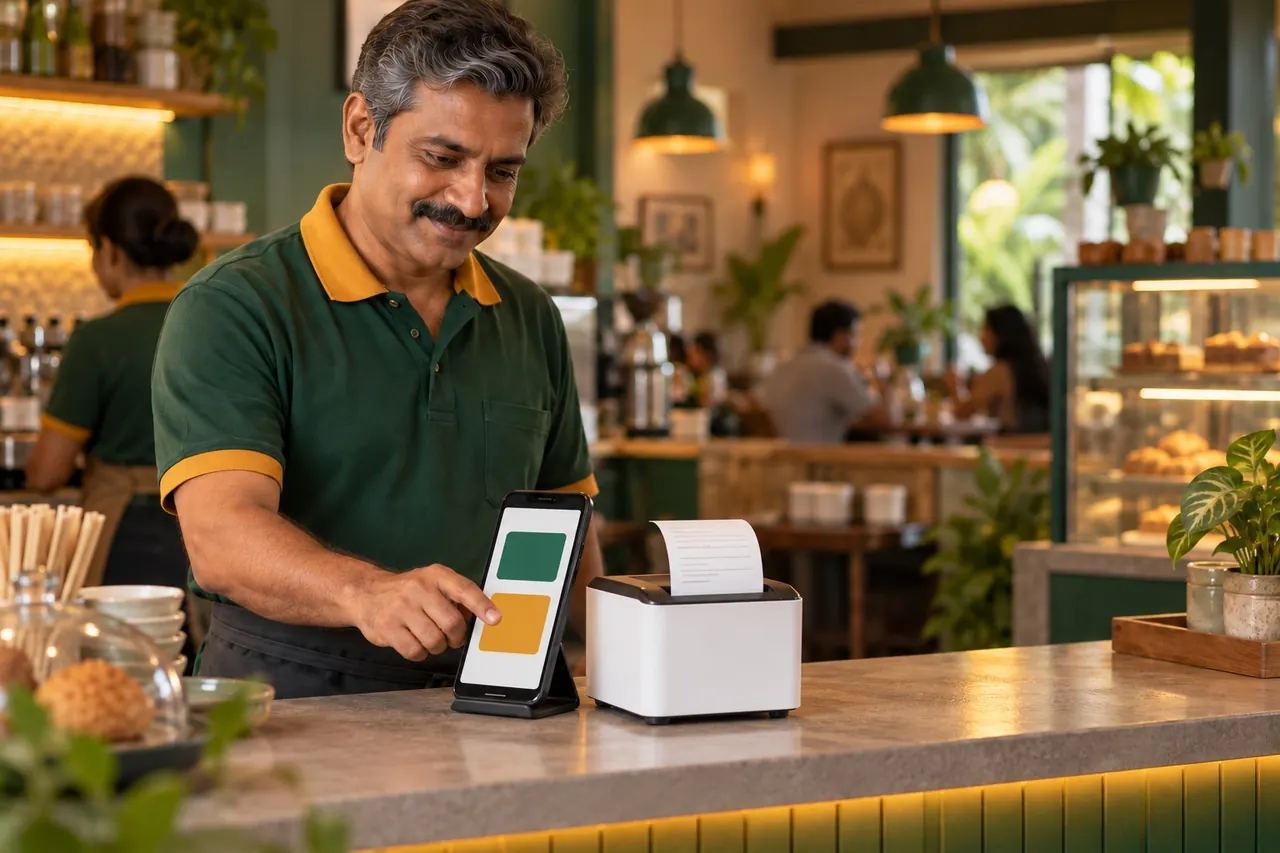
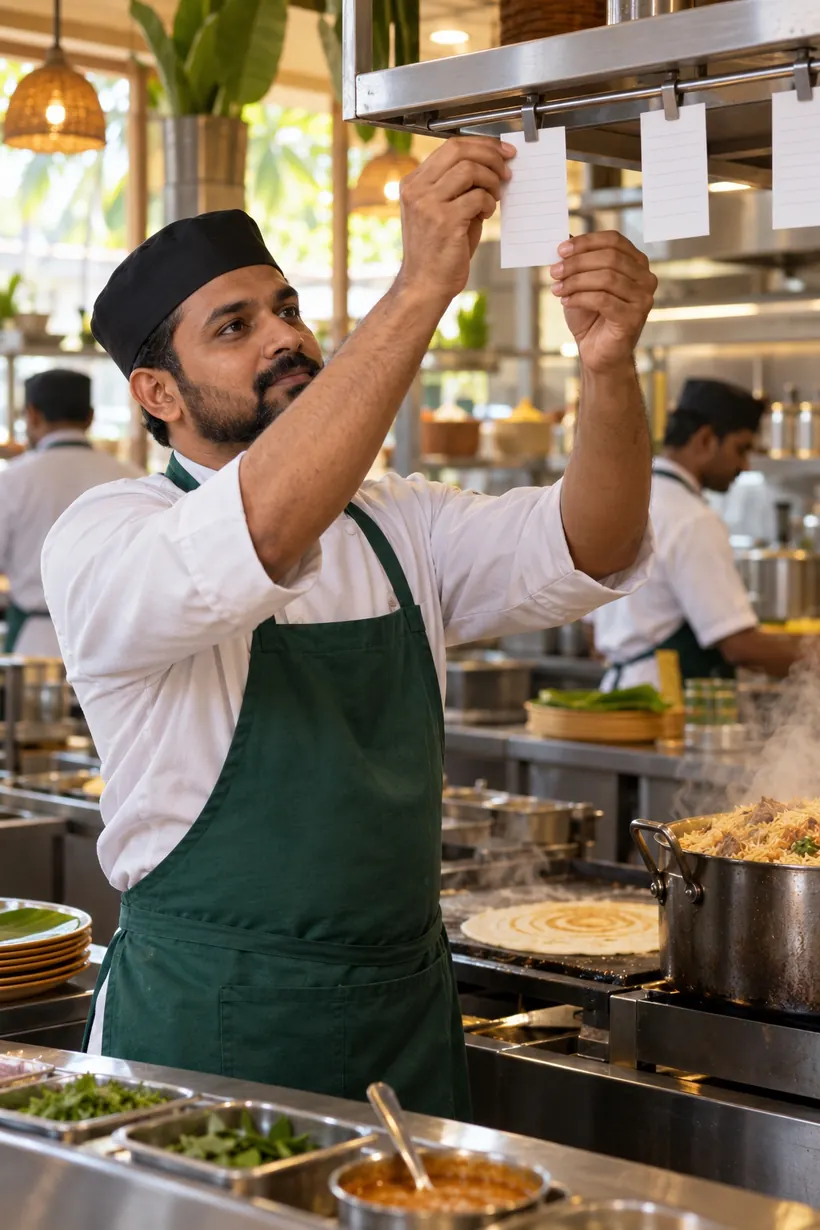
The order lands on your counter phone. Accept it with a tap, or let orders accept themselves. Each station gets its own ticket: the biryani goes to the main kitchen, the lime soda to the beverage bar.
Guest
Guests follow the order live. With "Buzz me when it's ready" turned on, their phone alerts them the moment you mark it ready.
No POS terminal to rent. Install the Food @ Fingers POS app on an Android phone, connect a network receipt printer, and print your table QRs.
One QR, one phone and one printer work the same way at a tea shop or a fine-dining room.
Guests order from their seats, so the lunch queue at the billing counter goes away.
Guests browse at their own pace, and your staff spend their time on service instead of order pads.
A QR on the window, a phone and a printer. Nothing else to carry or plug in.
Guests order from any table and walk up only when their phone buzzes.
Something else on your mind? Ask during your demo.
No. Your store receives the full menu price of every QR order. Guests who pay online cover a small convenience fee, shown before they pay; guests who pay at the counter pay nothing extra.
Online payments go through Razorpay. When the guest pays, the payment is split: your share is transferred to your store's linked Razorpay account, and the fees are kept apart from it. Counter payments you collect yourself, as you do today.
No. The QR opens your menu in the phone's browser. Guests paying online enter their phone number at checkout because the payment provider asks for it.
An Android phone or tablet (Android 7 or newer) running the Food @ Fingers POS app, and a Wi-Fi or LAN receipt printer that supports ESC/POS, with 58 mm or 80 mm paper. A kitchen-screen tablet is optional.
That's your choice. Orders can be accepted automatically, or wait on the counter phone for a tap. The kitchen tickets print as soon as an order is accepted.
The counter phone keeps billing walk-in orders offline and syncs them when the connection returns. QR orders need an internet connection on both the guest's phone and your counter phone.
Yes. Print one counter QR for takeaway and pickup. Guests order, pay and get a buzz when their food is ready.
Book a free demo. We'll show it working with your own menu, your phone and your printer.